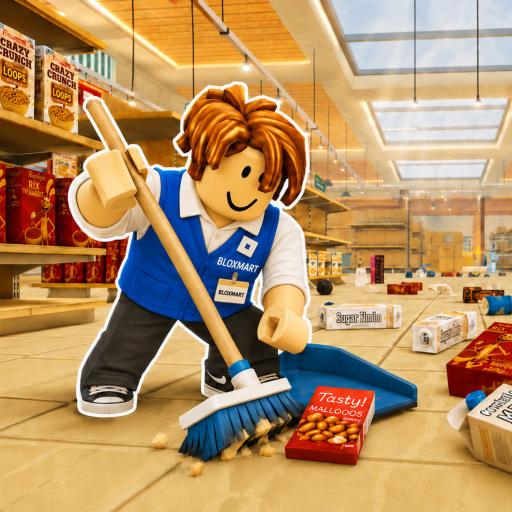
Q
Put down the currently held item on PC.
Quick answer: read the shelf sign, cycle to the matching product, then click an open shelf space. There is no official complete map for all 3,000+ items, so this guide focuses on the method that works anywhere in the store.
Put down the currently held item on PC.
Place the selected item on a matching open shelf.
Move through the items you are carrying.
The store may be large, but the decision stays the same: category sign first, product second.
Start with the category label above or beside the shelf. The official game description tells players to follow signs, so the sign is the reliable location clue—not the item's color or size.
On PC, use the scroll wheel to cycle held items. Stop on the product that best matches the shelf category before you try to place it.
Click an open position on the matching shelf. If nothing happens, check that the item is selected and that the shelf category really matches.
Press Q on PC to drop the held item. It is usually faster to set aside an uncertain product than to block a busy aisle while your team keeps sorting.
Match the item to the category sign on the shelf, select it with the scroll wheel on PC, then click an open matching space.
Not from the official sources checked on July 14, 2026. The game confirms more than 3,000 misplaced items, but it does not publish a complete item-to-shelf database.
Check that the correct held item is selected, the shelf sign matches its category, and the shelf has an open placement position. If needed, press Q to drop it and try another product.
Use the scroll wheel to cycle held items and press Q to drop the current item. Click to place an item.
Practice dropping, placing, and cycling items.
Check your one-hour or two-hour badge pace.
See the official pages and checked dates behind this guide.